-
You can face this when you have more than 3 sessions if your password is correct.
-
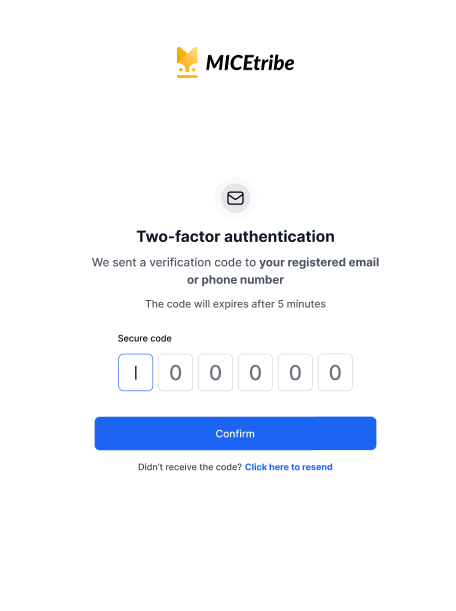
After clicking Sign in, MICEtribe will send a 6-digit verification code to your registered email address or phone number.
-
You will see the Two-factor authentication screen with 6 input boxes.
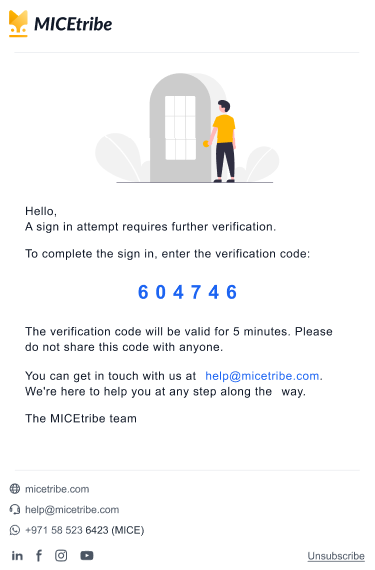
- Open your email or check your SMS and find the code. It looks like this in the email:
"A sign in attempt requires further verification. To complete the sign in, enter the verification code: 604746"
- Enter the 6-digit code into the boxes on screen.
Note: The code expires after 5 minutes. If it expires before you enter it, click "Click here to resend" to get a new one.
- Click Confirm to complete sign-in.